
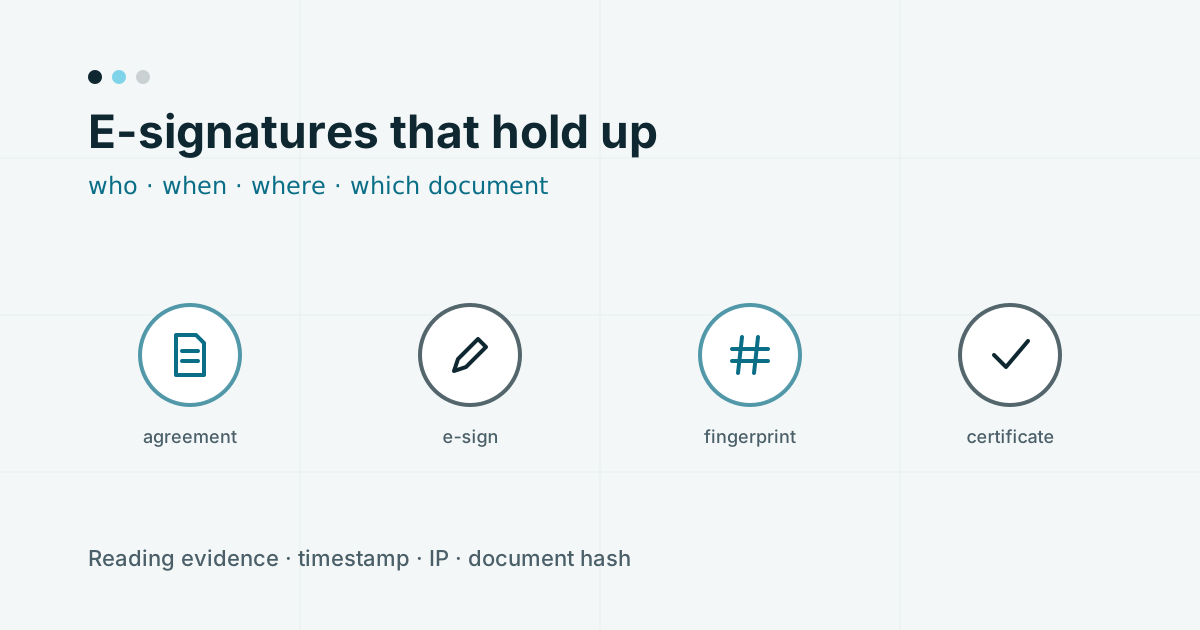
When a client disputes an advisory agreement, they almost never claim someone else signed it. The argument is usually one of these:
- "I didn't understand what I was agreeing to."
- "I was never shown that clause."
- "The document you're showing me now isn't the one I signed."
A signature on its own answers none of them. What answers them is the evidence wrapped around the signature. This post is about what that evidence should be, and how to capture it without adding friction for the client.
The signature is the easy part
Electronic signatures are well established in India. Aadhaar-based e-sign, through a licensed e-sign service provider, ties the signature to a verified identity via a one-time code. Other methods, such as OTP-confirmed acceptance on a verified phone or email, are also common in onboarding flows.
Whichever method you use, the act of signing takes seconds. The work is in making sure the record of that act can survive scrutiny months later.
Evidence that the client saw the document
If the core dispute is "I never saw it", the strongest answer is a record showing they did.
Practical ways to build that record:
- Present the full document, in the flow, before the signing step. Not a link, not a summary.
- Track reading. Record how far the client scrolled through each document and how long they spent on it.
- Gate the signing step on it. Only show the signing control once the client has reached the end (or close to it) of each required document, such as the agreement and the Investor Charter.
None of this guarantees comprehension. But "the client spent 94 seconds on the agreement and scrolled to the end before signing" is a very different conversation from "they clicked a box".
Identity, time and place
Anchor every signature with details that cost nothing to collect at the time and are impossible to reconstruct afterwards:
- The signer's verified phone number and/or email (verified by one-time code during sign-up).
- A timestamp with an explicit timezone (for India, IST).
- The IP address the signature came from.
- Where available, the approximate location resolved from that IP.
- For Aadhaar e-sign, the reference returned by the e-sign provider.
Capture these at the moment of signing, server-side. Anything the client's browser reports can be altered; your server's record of the request cannot be, by the client.
Fingerprint the exact document
Agreements change. You update your MITC when SEBI revises a figure, you fix a typo, you add a clause about a new product. A year from now, "the agreement" could mean any of several versions.
The fix is to record a cryptographic hash (for example, SHA-256) of the exact file the client signed, not of the template it came from. If anyone later questions whether a document has been altered, you hash it again and compare. A match ends the argument.
Store the signed file itself too, not just a pointer to the template version.
Put it all on one page
Evidence spread across database tables is hard to hand to anyone. The cleanest approach is to append a certificate page to the signed PDF, carrying:
- A unique certificate or reference number
- Signer name, verified phone and email
- Date and time of signing, with timezone
- IP address and, where available, location
- The document hash
- Time spent on each document
- When the signing code was sent
- Your firm's name and SEBI registration number
Now the evidence travels with the document. Whoever opens the PDF, whether a client, an auditor or a grievance officer, sees the whole story without needing access to your systems.
Name your provider and your certificate
If you use Aadhaar e-sign, it runs through a licensed e-sign service provider. Record which one, and expect to be asked. If you also apply your firm's own digital signature certificate (DSC) to outgoing documents, record the certificate's issuer, serial number and validity dates alongside it.
Keep the signed copy, and send one to the client
Two simple habits close the loop:
- File the signed document against the client record automatically, the moment signing completes. Not in an inbox; in the client file.
- Send the client their copy by email (and, if you use it, on your client portal). It is good practice, and it removes the "I never received it" argument too.
Keeping friction low
Everything above can be captured without making the client's experience worse. A few principles:
- Collect evidence passively. Reading time, scroll depth, IP address and timestamps are recorded in the background. The client does nothing extra.
- One signing step, not several. Present the agreement, Investor Charter and disclosures in sequence, then sign once for the set, rather than asking for a code per document.
- Make reading possible on a phone. A long agreement in a tiny embedded PDF viewer is a recipe for clients scrolling blindly to the bottom. Render it as readable text that reflows on a mobile screen, and keep the signed PDF as the record.
- Explain the gate. If the signing button only appears once the documents have been read, say so: "Scroll to the end of both documents to continue." Otherwise clients think the page is broken.
When the signing provider is unavailable
Third-party e-sign services occasionally have outages or slow periods. Decide in advance what your flow does when that happens:
- Let the client pause and resume at the signing step without losing their earlier progress.
- Do not activate a client whose signature did not complete, however tempting it is during a busy morning.
- Keep the incomplete sign-up on your leads list with a note, and follow up once the provider is back.
A client who has to come back later is a minor inconvenience. A client who is active without a signed agreement is a compliance gap that tends to be found at the worst possible moment.
A quick test of your current setup
Pick a client who signed six months ago and try to answer, from the documents alone:
- Which version of the agreement did they sign?
- When, to the second, and from where?
- How was their identity verified at the time?
- Did they open the Investor Charter, and for how long?
If you need to ask a colleague or search a mailbox for any of these, the evidence is not where it should be.
The legal standing of electronic signatures is governed by the Information Technology Act and related rules, and your obligations by SEBI regulations. This post describes good practice, not legal advice; confirm specifics with your compliance adviser.
How Mintants handles this
In client onboarding on Mintants, your MITC and agreement are presented in full and e-signed by the client, and the signed copy is filed against the client record automatically. Who signed, and when, is recorded in the audit trail alongside the KYC and payment records, so a client's file can be produced in one place when you need it.
Book a walkthrough to see a signing on your own brand.